Overview
A powerful map tiles service that allows you to create and manage interactive maps in your applications with comprehensive local data and customizable styles.
Overview
Tiles API is a tool that allows you to create and manage interactive map tiles in your applications. With comprehensive local data coverage and fine-tuned customization options, you can build beautiful, performant maps for web and mobile platforms.
We currently support JavaScript and Flutter SDKs for web and mobile, making it easy to integrate maps into your projects.
Visual Preview
| Web | Mobile |
|---|---|
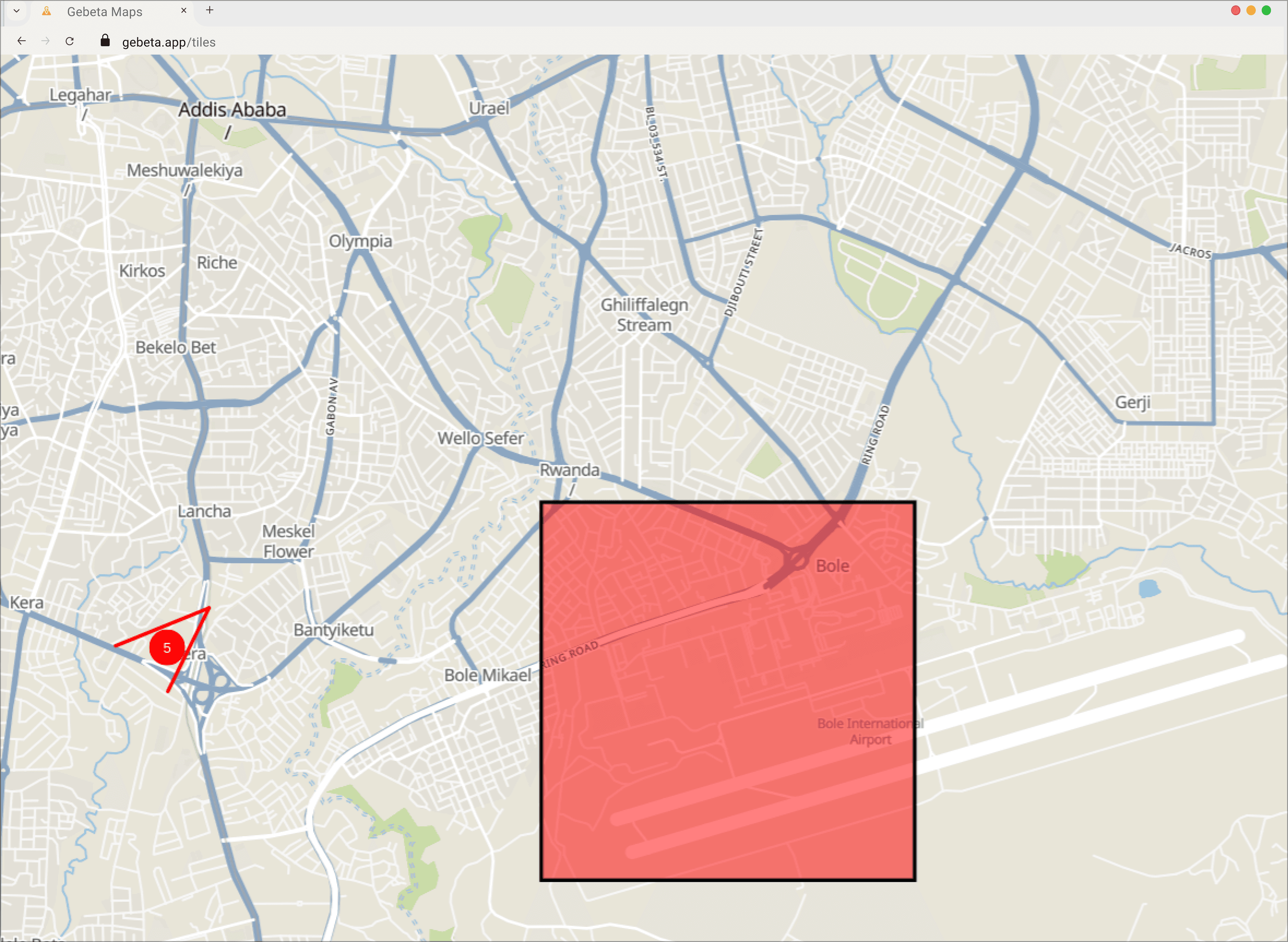 | 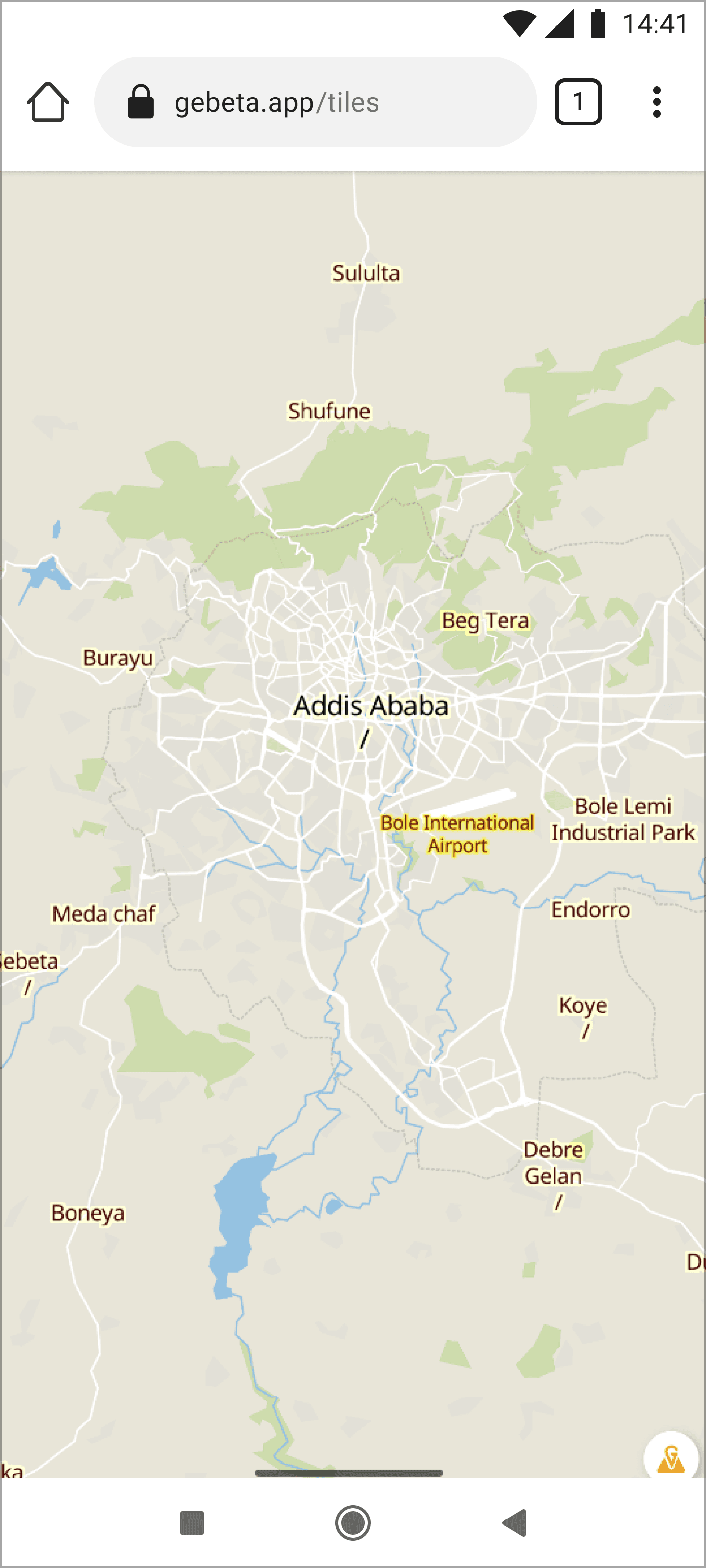 |
Key Features
-
Comprehensive Map Tiles: Access detailed map tiles with rich local data coverage
-
Fine-tune Customizable Styles: Customize map appearance to match your brand and design requirements
-
Interactive Markers: Support for fully customizable, interactive markers with rich content
-
Polylines, Polygons, and Circles: Draw routes, areas, and zones with custom styling
-
Built-in Customizable Marker Clustering: Intelligent marker clustering for better performance and UX
-
High Performance: Optimized tile delivery for smooth map interactions
Use Cases
Interactive Mapping
Build engaging map experiences with custom markers, overlays, and real-time data visualization.
Location Tracking
Visualize moving objects and track locations in real-time with dynamic map updates.
Geographic Visualization
Showcase spatial data with custom markers, boundaries, and zone overlays.
Route Planning
Visualize routes and optimize paths with interactive map tools and overlays.
Playground
Try out Tiles in our interactive playground to explore features and test integrations:
SDKs & Integration
Choose your platform to get started:
Web
- JavaScript SDK - Use
@gebeta/jsfor vanilla maps or@gebeta/reactfor React apps
Mobile
- JavaScript SDK - For React Native apps
- Flutter SDK - Native Flutter widgets for iOS and Android
Getting Started
-
Choose Your SDK: Select JavaScript for web or mobile, or Flutter for mobile development
-
Install the Package: Follow the installation guide for your chosen SDK
-
Configure Your Map: Set up your map with custom styles and features
-
Add Interactivity: Implement markers, overlays, and user interactions
-
Deploy: Launch your map-powered application
Support & Resources
- Documentation: Comprehensive guides for JavaScript and Flutter SDKs
- Playground: Test features and experiment with configurations
- Community: Get help and share experiences with other developers